Graphical User Interface
Graphical User Interface — an illustrated inventions story, set in Global. 10 illustrated pages, free to read on Wonder Inventions.
Page 1
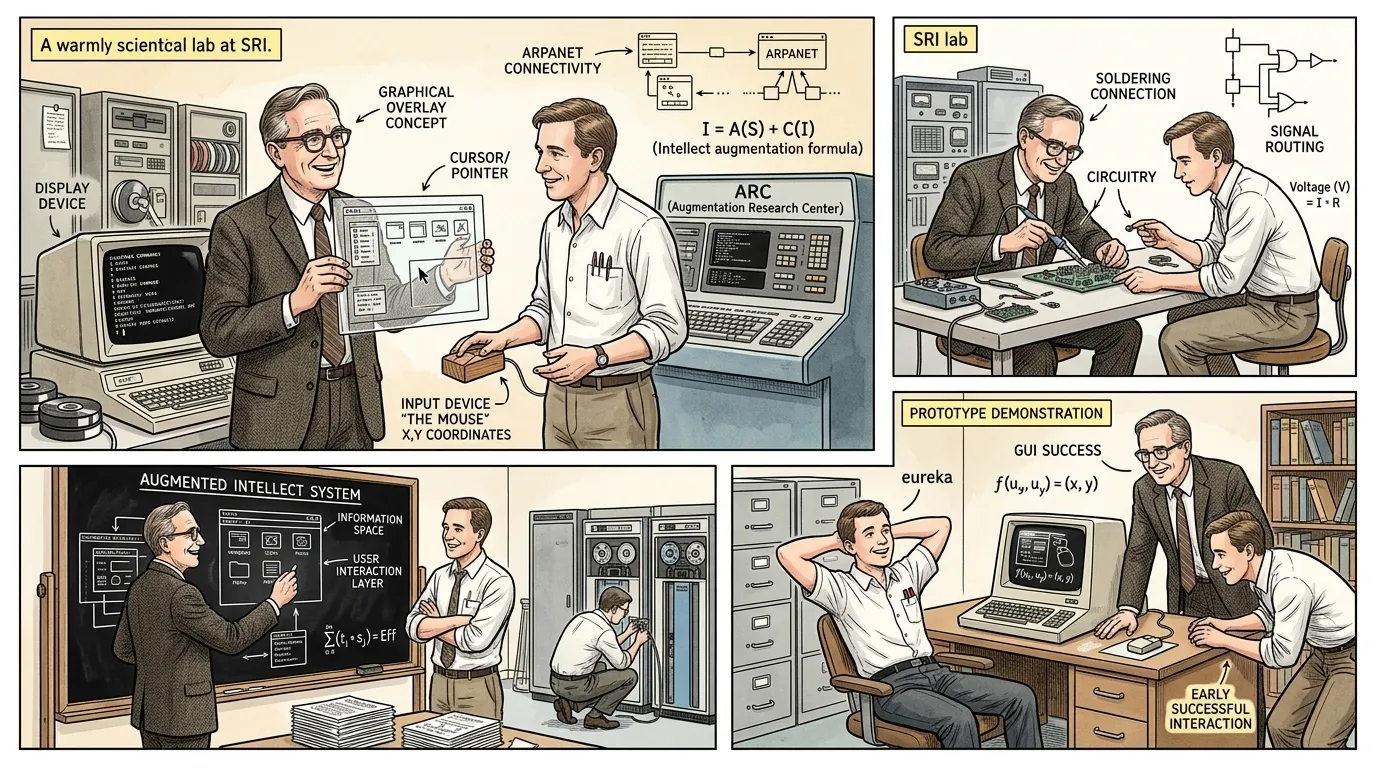
Before the advent of the Graphical User Interface, interacting with computers was a formidable task, reserved largely for specialists. Users faced a daunting landscape of blinking cursors and opaque command lines, demanding precise syntax and an intimate knowledge of complex commands. This barrier fundamentally limited the accessibility and potential reach of computing technology to the broader public.
"Douglas Engelbart, a visionary at Stanford Research Institute (SRI) in the late 1960s, recognized this profound challenge. He once mused, 'The better we get at getting better, the faster we will get better.' This philosophy drove his quest to augment human intellect by making computers an extension of thought, not an obstacle."
Page 2
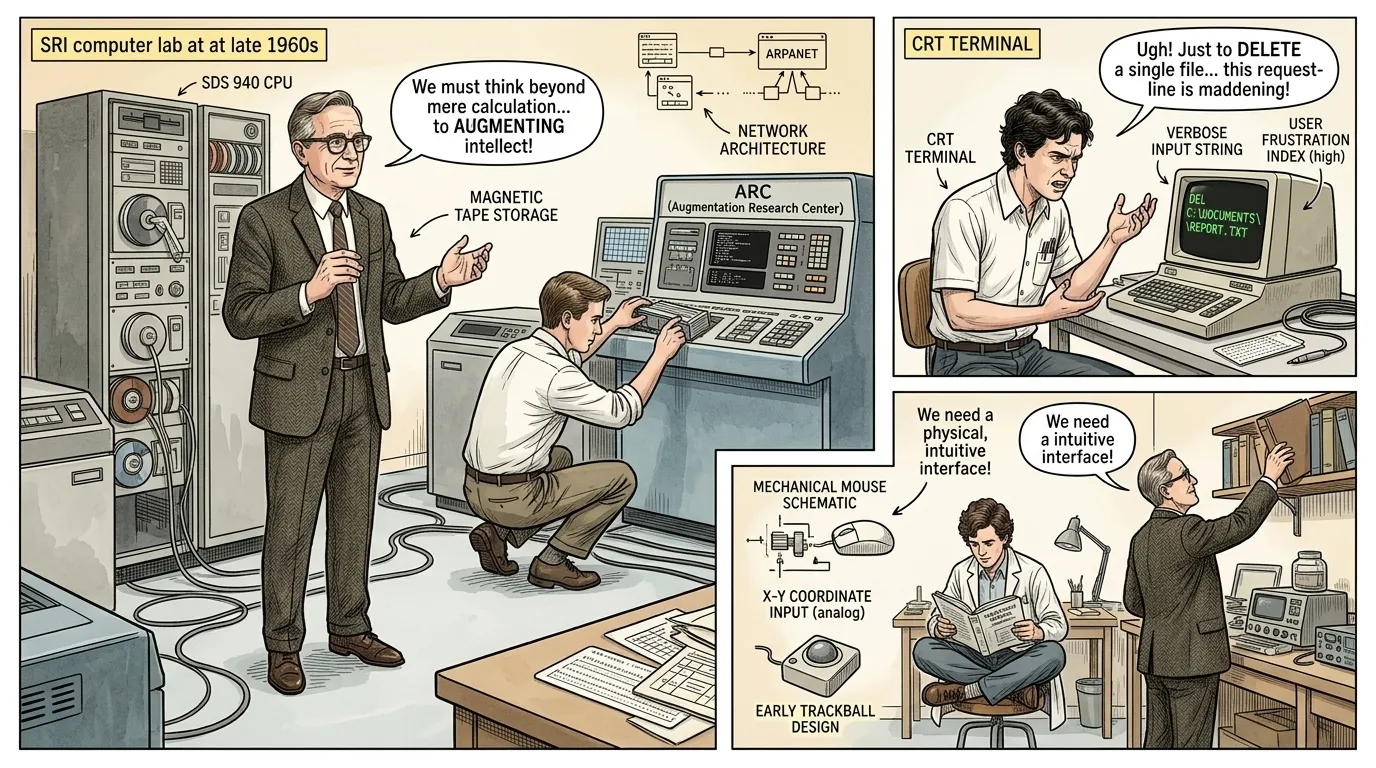
In the command-line era, even simple operations required intricate sequences of text. Deleting a file, for instance, involved memorizing specific commands like 'DEL C:\DOCUMENTS\REPORT.TXT', leaving little room for error or intuitive discovery. This steep learning curve created a significant hurdle, alienating potential users and confining computational power to a specialized few.
"A junior programmer, his brow furrowed, exclaimed, 'Every task feels like deciphering an ancient scroll, a new hieroglyph for every function!' He gestured at his screen, highlighting the verbose, unforgiving nature of direct command input, which often led to frustration and errors."
Page 3
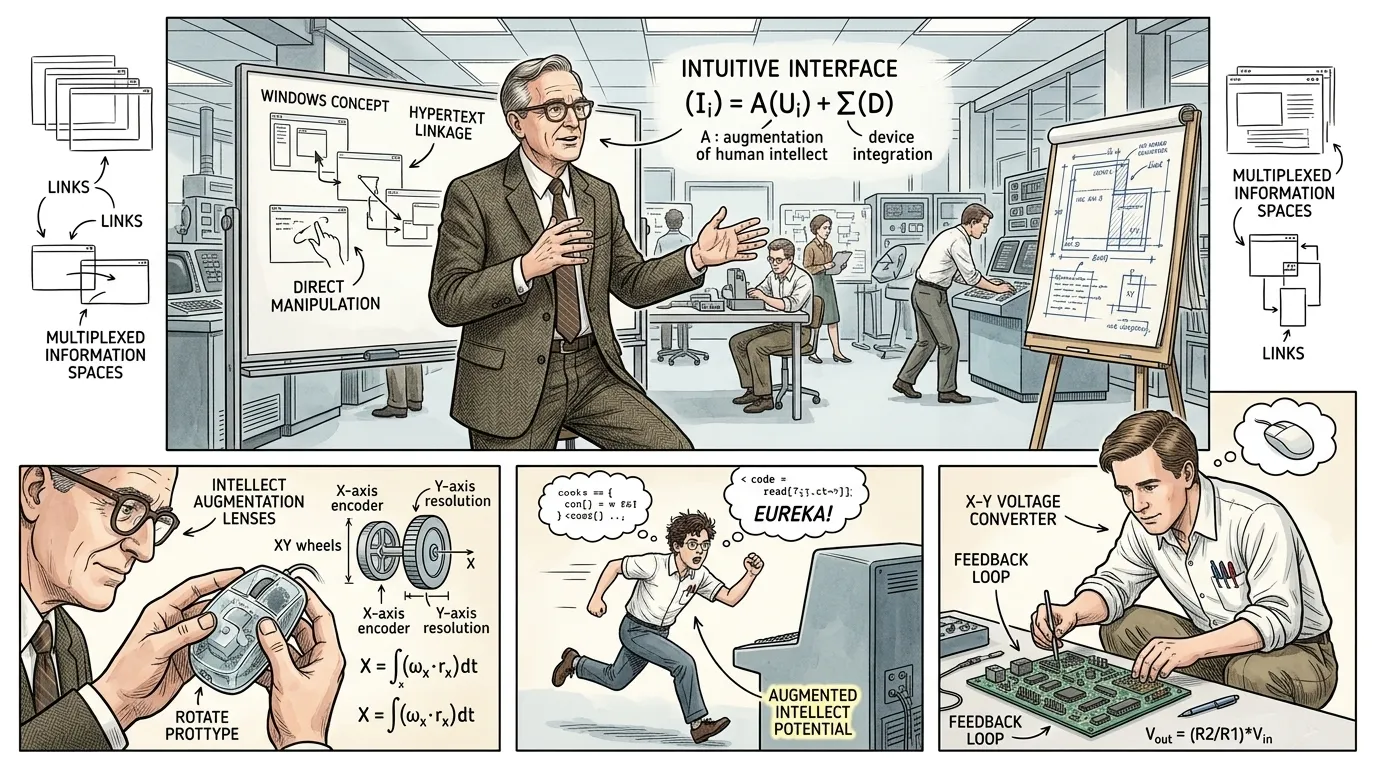
Douglas Engelbart's core philosophy was not merely to automate tasks but to 'augment human intellect' – to enhance our ability to understand and solve complex problems. He envisioned a system where users could directly interact with information, bypassing the rigid syntax of command-line interfaces. This required a radical re-imagining of the computer-user relationship.
"He once articulated, 'The digital domain must become an intuitive landscape.' This foundational principle guided his team to explore concepts like windows, hypertext, and, crucially, direct manipulation – a radical departure from the prevailing paradigm. The early blueprints of this future began to take shape."
Page 4
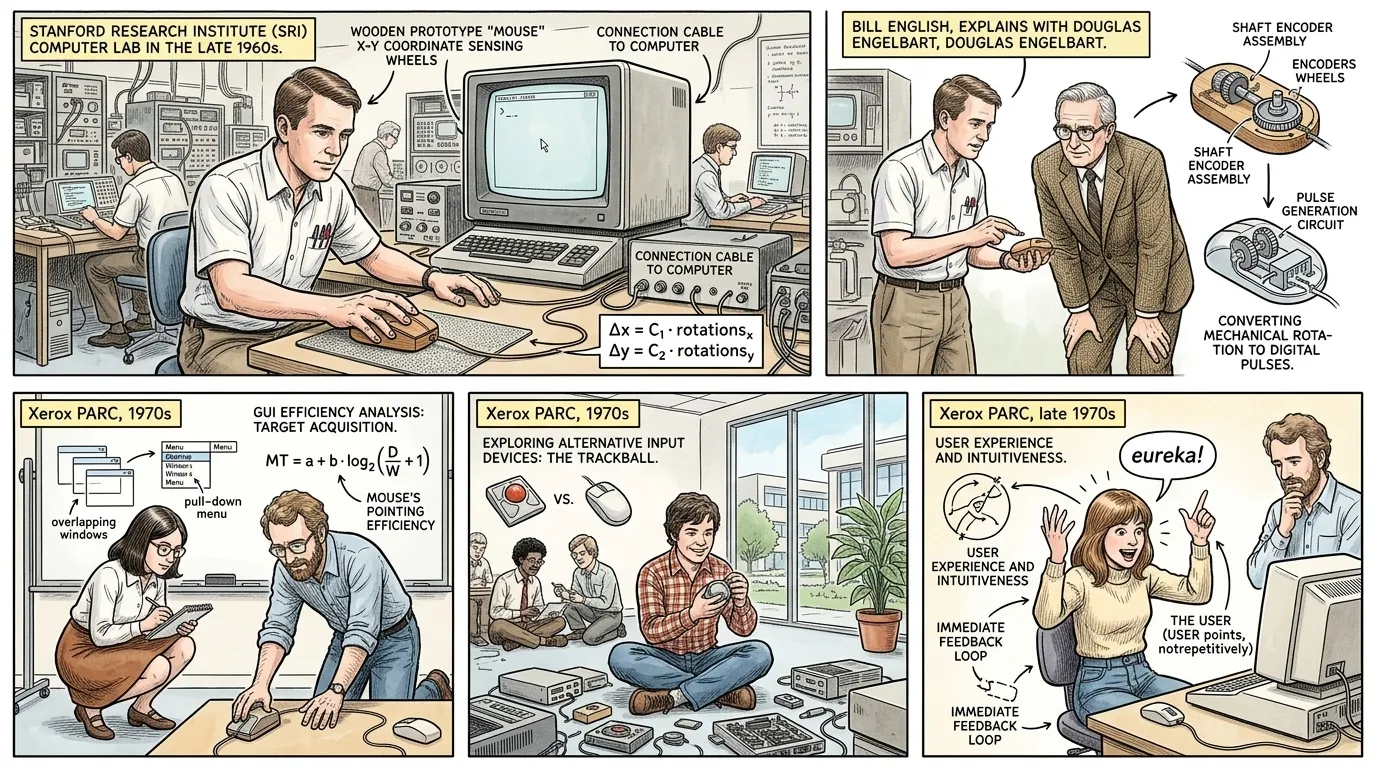
At SRI, Engelbart's team developed the oN-Line System (NLS), an ambitious project integrating text processing, hypertext, and collaboration tools. To navigate this evolving information landscape more naturally, they conceived of the 'X-Y position indicator for a display system,' which would become known as the computer mouse. This early wooden prototype, with wheels and a cable, offered a completely new way to interact.
"Bill English, one of Engelbart's lead engineers, observed, 'We needed a tool that felt like an extension of the hand, something to point and select with, not just type.' He carefully demonstrated the wooden device, emphasizing its smooth movement across a surface, translating physical motion into cursor movement on the screen."
Page 5
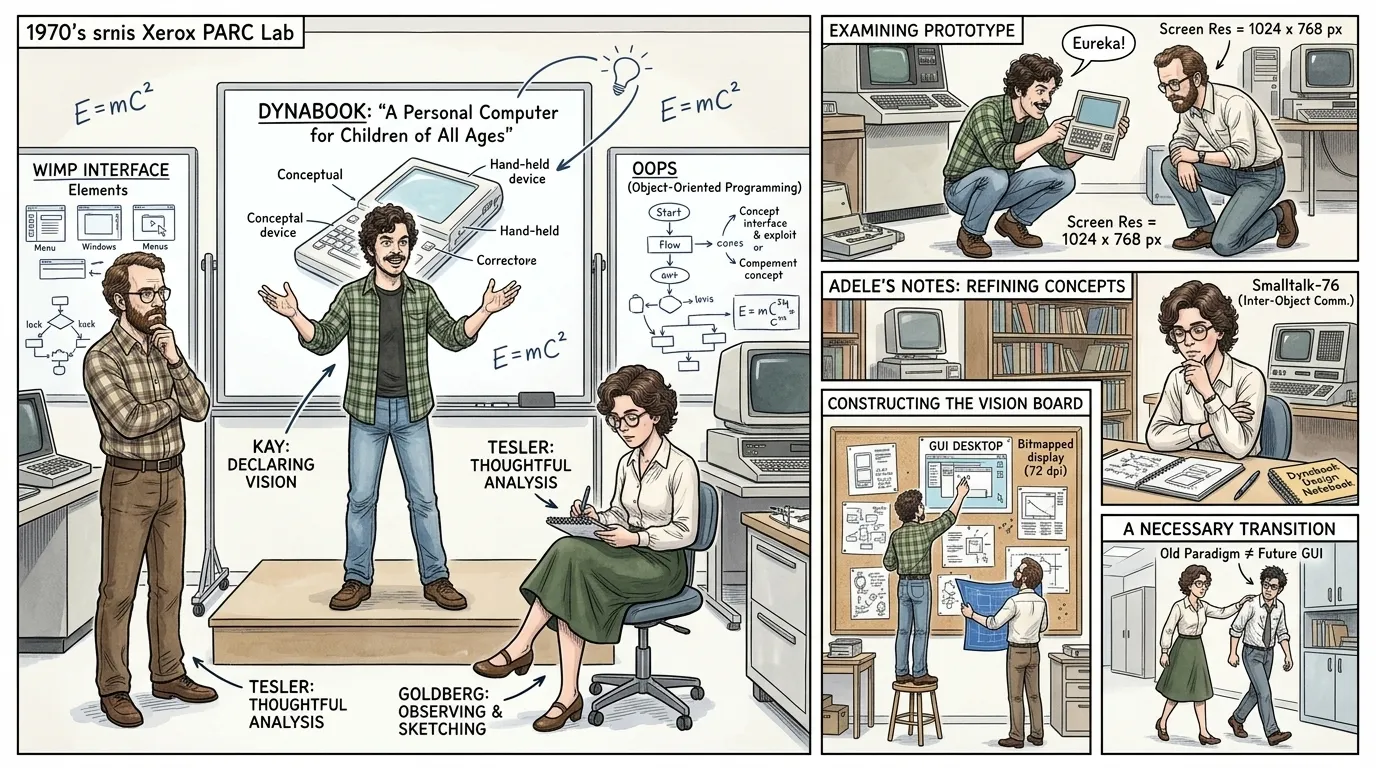
While Engelbart pioneered many core concepts, it was researchers at Xerox PARC (Palo Alto Research Center) in the 1970s who significantly refined the Graphical User Interface into the WIMP (Windows, Icons, Menus, Pointer) paradigm we recognize today. Scientists like Alan Kay, Larry Tesler, and Adele Goldberg pushed the boundaries of visual computing, envisioning a personal computer for everyone.
"Alan Kay famously declared, 'The best way to predict the future is to invent it.' His work on Dynabook, a conceptual personal computer, underscored the need for a truly intuitive graphical environment, moving beyond mere text manipulation to 'direct manipulation' of virtual objects."
Page 6
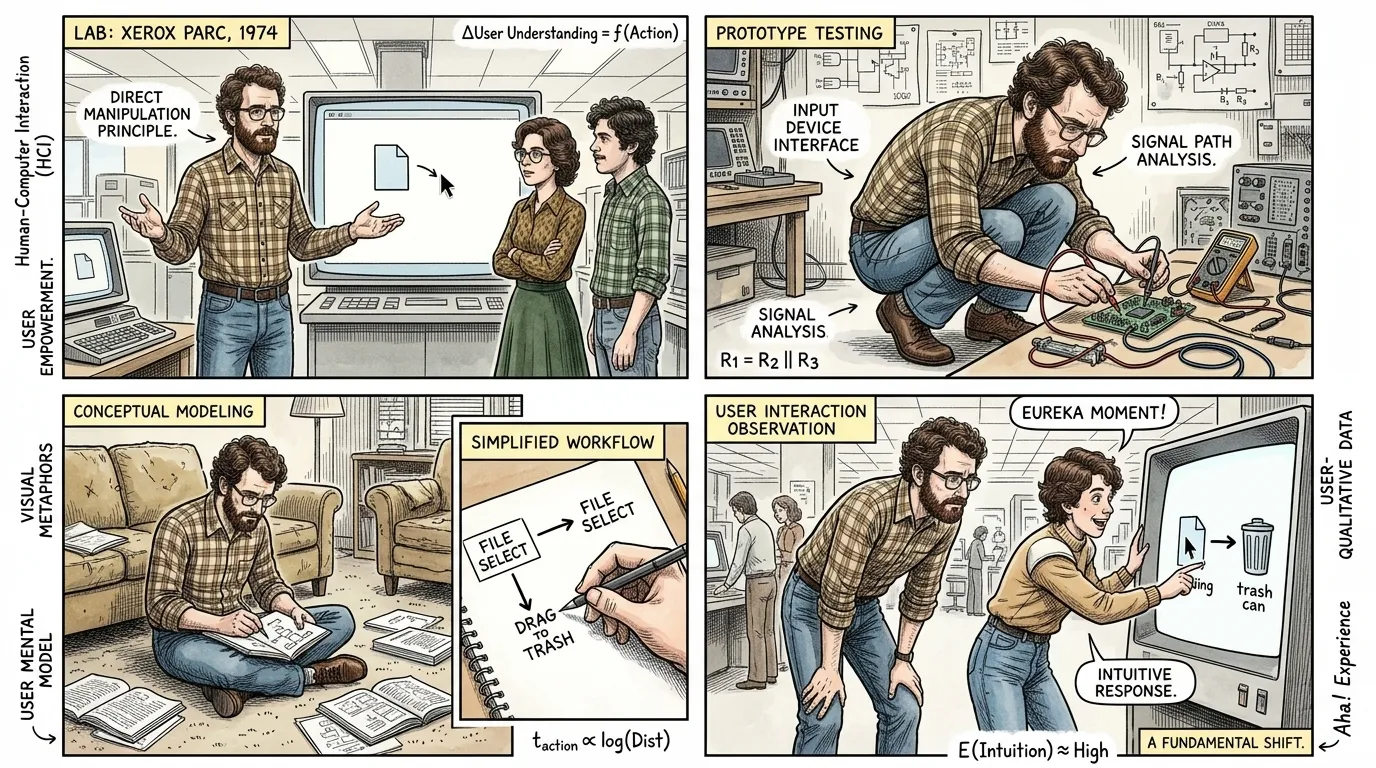
The genius of the GUI lies in 'direct manipulation,' a concept where users interact with visual representations of objects instead of abstract commands. For example, to delete a file, one simply drags an icon representing the file into an icon representing a 'trash can.' This spatial and visual interaction minimizes cognitive load, making computing more accessible.
"As Larry Tesler articulated, 'It's about making the computer respond as if you're touching the data itself.' This fundamental shift meant that actions on the screen directly corresponded to familiar real-world metaphors, simplifying complex digital operations into intuitive gestures."
Page 7
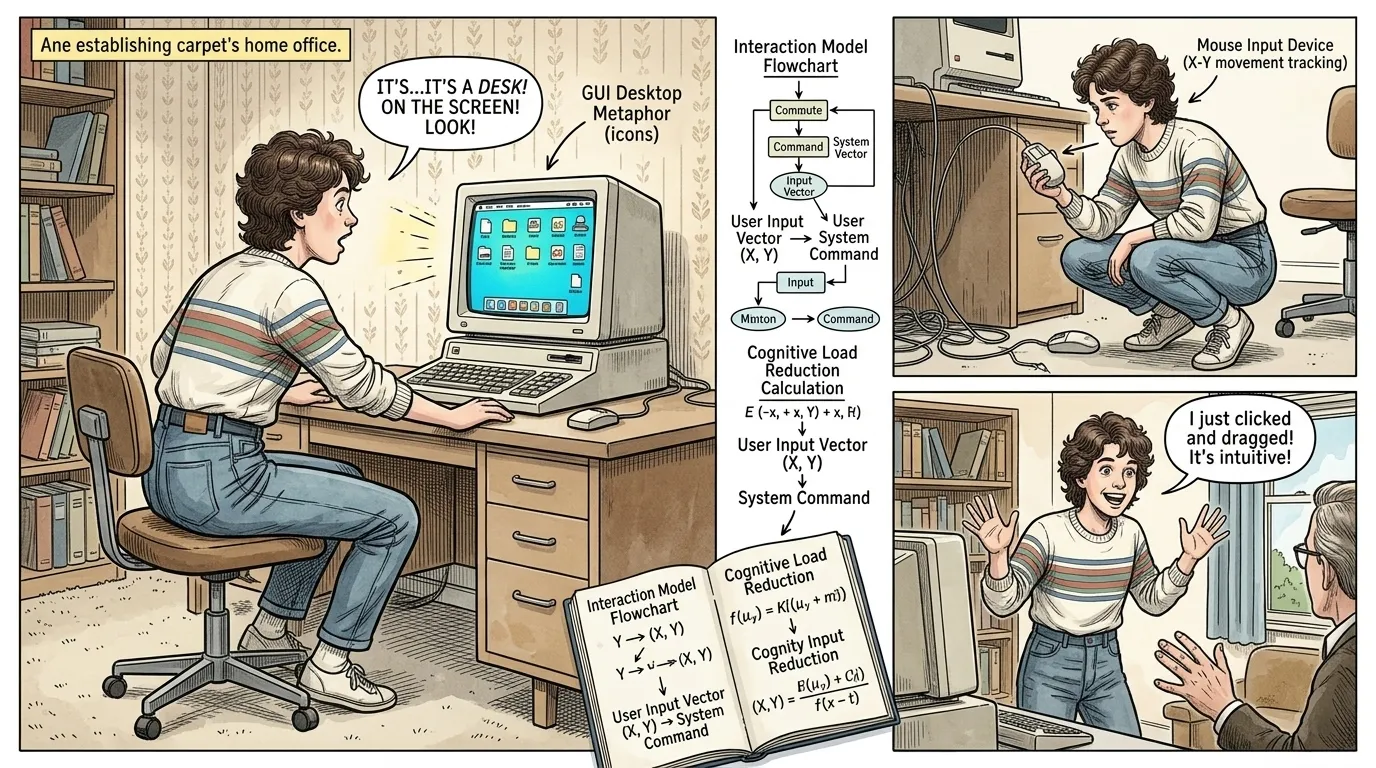
The 'desktop metaphor' became the central organizing principle of the GUI. Just as one organizes physical documents, folders, and tools on a real desk, the graphical interface allowed users to arrange digital files and applications as icons within a virtual workspace. This familiar analogy immediately made complex computing environments comprehensible to novices.
"An early user, delighted by the system's ease, remarked, 'It feels like my actual desk, but tidier! I can see everything and just pick it up.' This intuitive design allowed for a natural understanding of file management and application launching, a stark contrast to previous methods."
Page 8
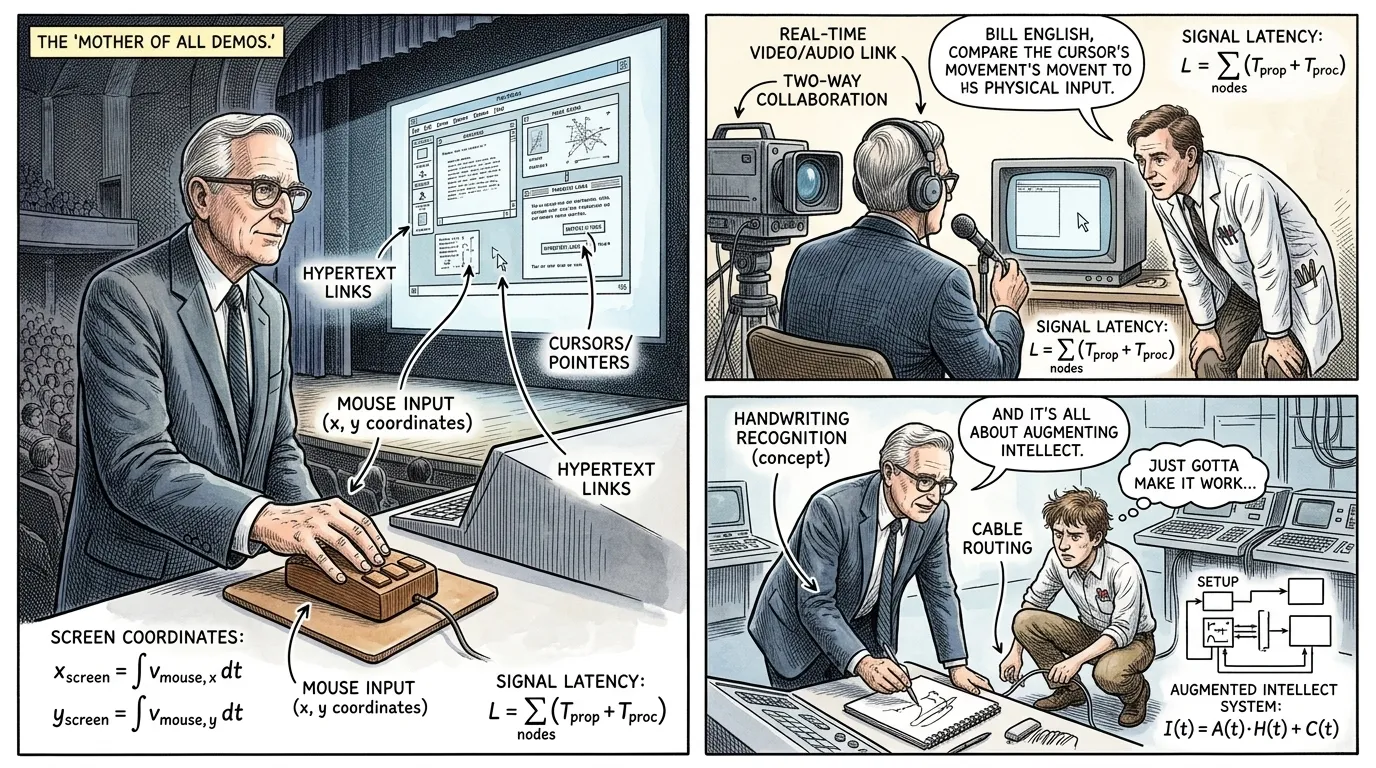
On December 9, 1968, Douglas Engelbart delivered what would become famously known as 'The Mother of All Demos.' In this groundbreaking presentation, he publicly demonstrated virtually every fundamental element of modern personal computing: the mouse, hypertext, networked collaboration, video conferencing, and, crucially, the graphical user interface. It was a vision decades ahead of its time, showcasing the profound potential of intuitive interaction.
"Introducing his work, Engelbart stated, 'I'm just going to show you a few things, mostly to give you some feel for what it's like to work in our lab.' The understated introduction belied the revolutionary impact of the technologies he then unveiled, particularly the ease with which he navigated information using the mouse and a graphical display."
Page 9
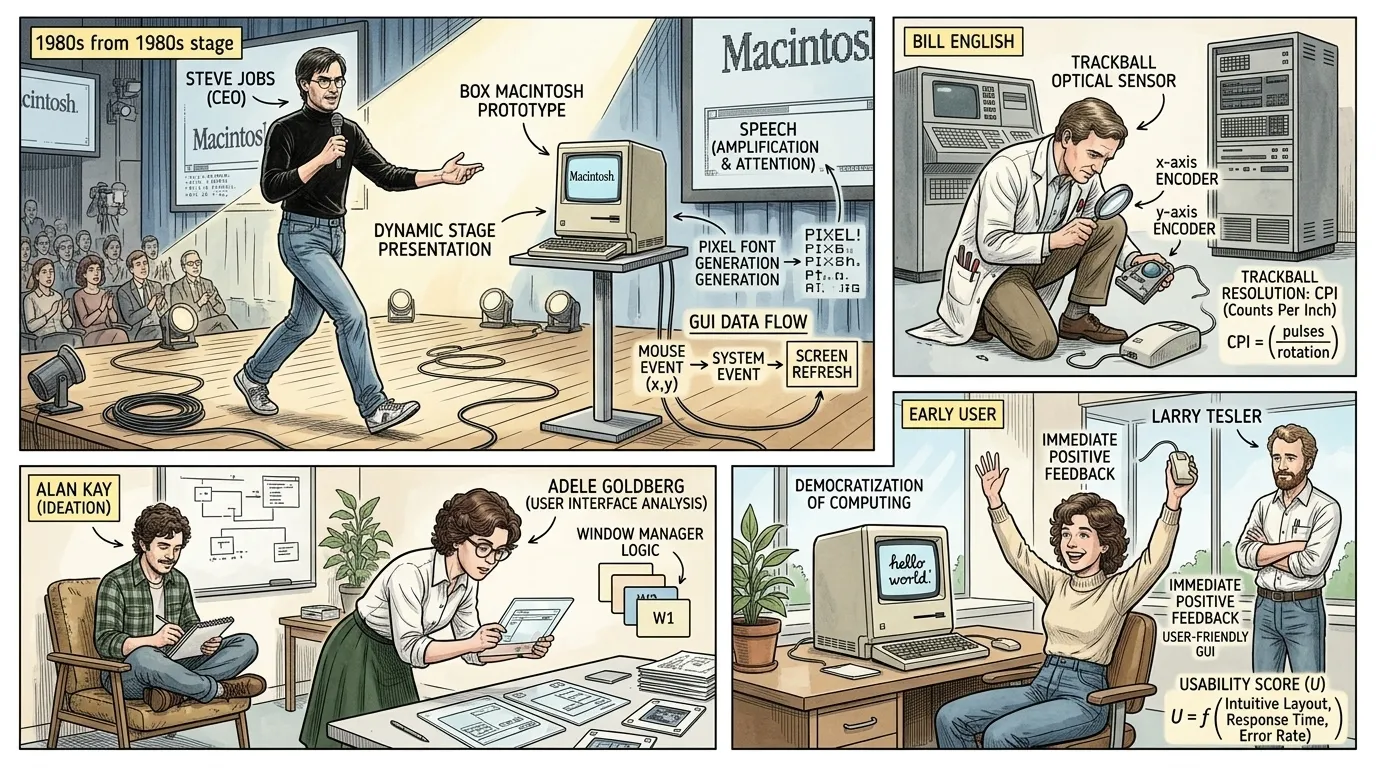
Despite its early demonstration, widespread adoption of the GUI took time. It wasn't until the 1980s that companies like Apple with its Lisa (1983) and Macintosh (1984), and later Microsoft with Windows (starting with version 1.0 in 1985), brought graphical interfaces to the commercial market. These products democratized computing, making it accessible and appealing to millions who were intimidated by command lines.
"Steve Jobs, upon introducing the Macintosh, declared, 'It's the computer for the rest of us.' This sentiment perfectly captured the paradigm shift, indicating a future where technology would be intuitive, personal, and universally approachable, breaking down the barrier between humans and machines."
Page 10
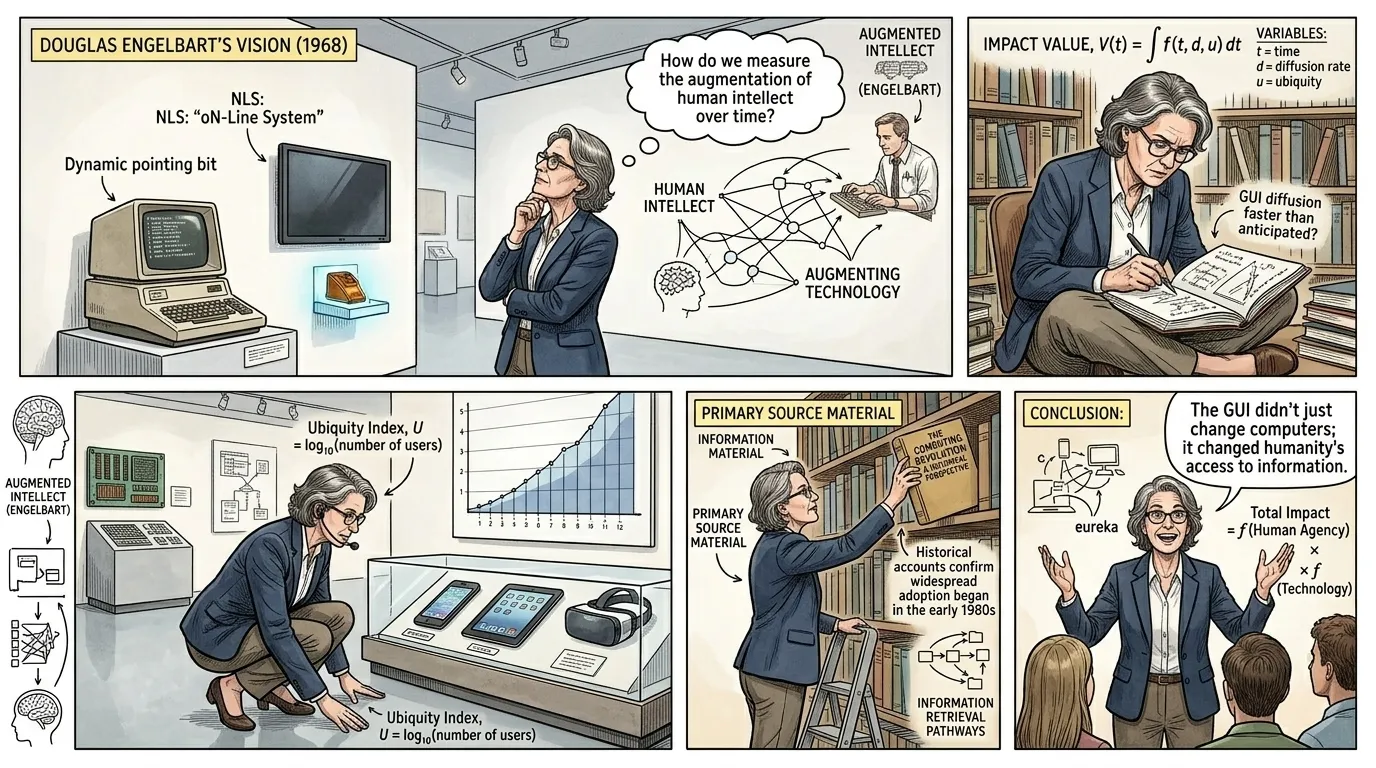
The Graphical User Interface has fundamentally transformed how we interact with technology. From its humble beginnings to the sophisticated systems of today, the GUI has evolved into myriad forms, underpinning nearly every digital device we use. It liberated computing from the realm of experts, ushering in an era of unprecedented digital literacy and connectivity.
"The profound impact, as one historian aptly put it, 'is that the GUI didn't just change computers; it changed humanity's relationship with information.' This transformation continues to unfold, from subtle gestures to immersive virtual worlds, all built upon the foundational principles of direct manipulation and intuitive visual feedback."
About this story
- Location: Global
- Audience: general readers
Questions and answers
Read Wonder Inventions on your phone
Wonder Inventions is available on Android. Get Wonder Inventions on Google Play.