Operating System
Operating System — an illustrated inventions story, set in Global. 10 illustrated pages, free to read on Wonder Inventions.
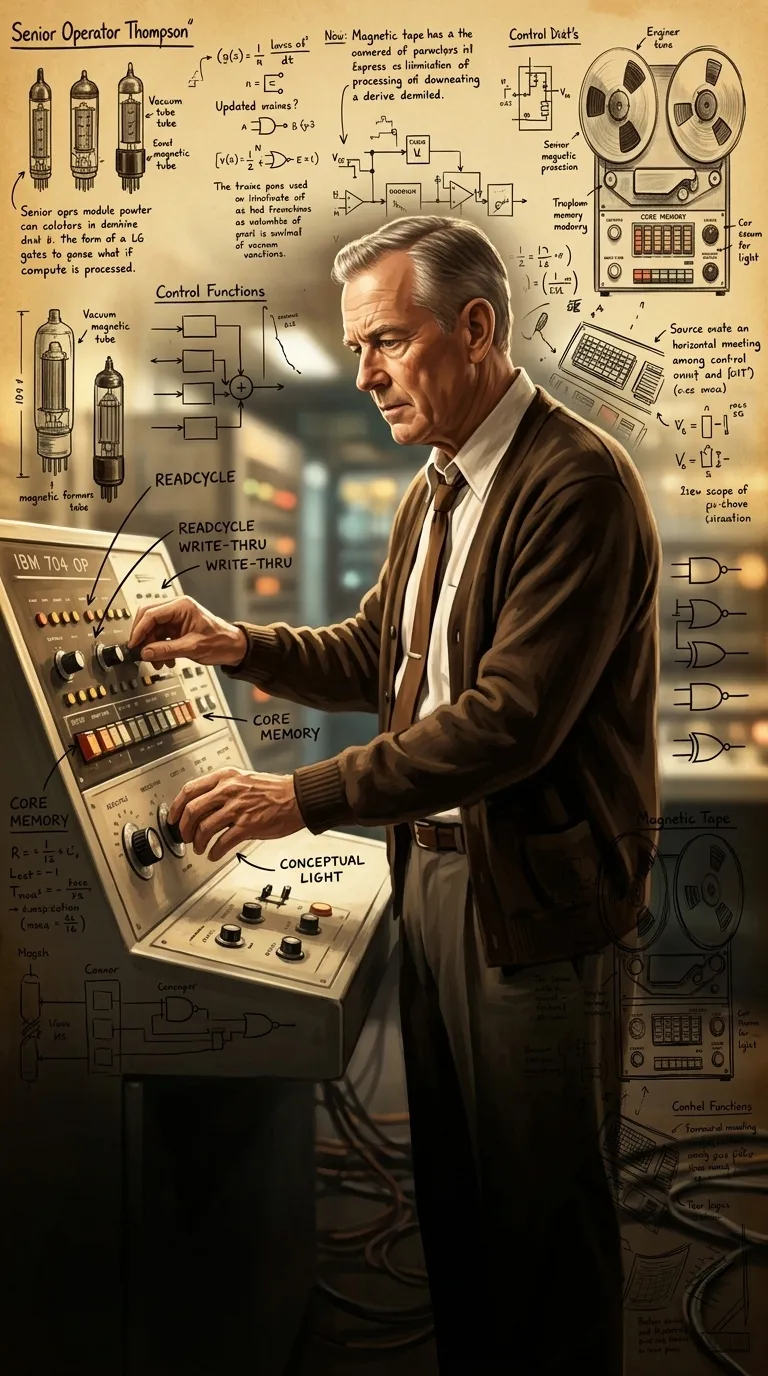
Page 1
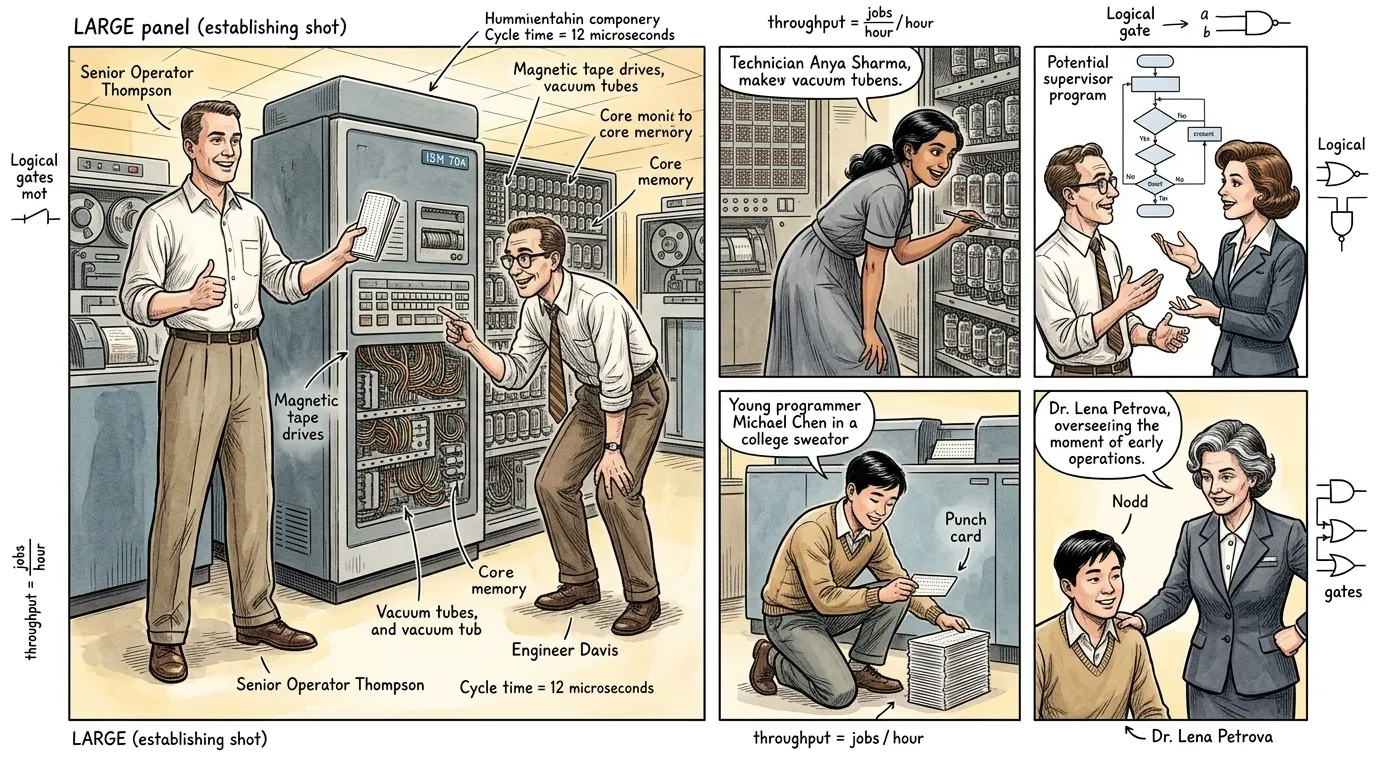
In the mid-20th century, the first electronic computers were monumental, room-filling machines, triumphs of engineering but plagued by a critical inefficiency. Each calculation, each program, required meticulous manual setup by highly skilled operators. This era saw brilliant minds grapple with complex logistics, transforming raw hardware into functional tools.
""Another job queued for the IBM 704," remarked Senior Operator Thompson, pointing to a stack of punch cards. "It'll take us twenty minutes just to switch out the tape drives and reconfigure the patch panel for the next program."
"Twenty minutes of idle CPU time, then," Engineer Davis sighed, reviewing a system log. "That's nearly a quarter of an hour for every single job we run. This machine is a marvel, yet it spends more time waiting for us than computing."
Thompson nodded gravely. "Our precious compute cycles are slipping away in these manual transitions. We need a faster, more integrated way to manage these operations.""
Page 2
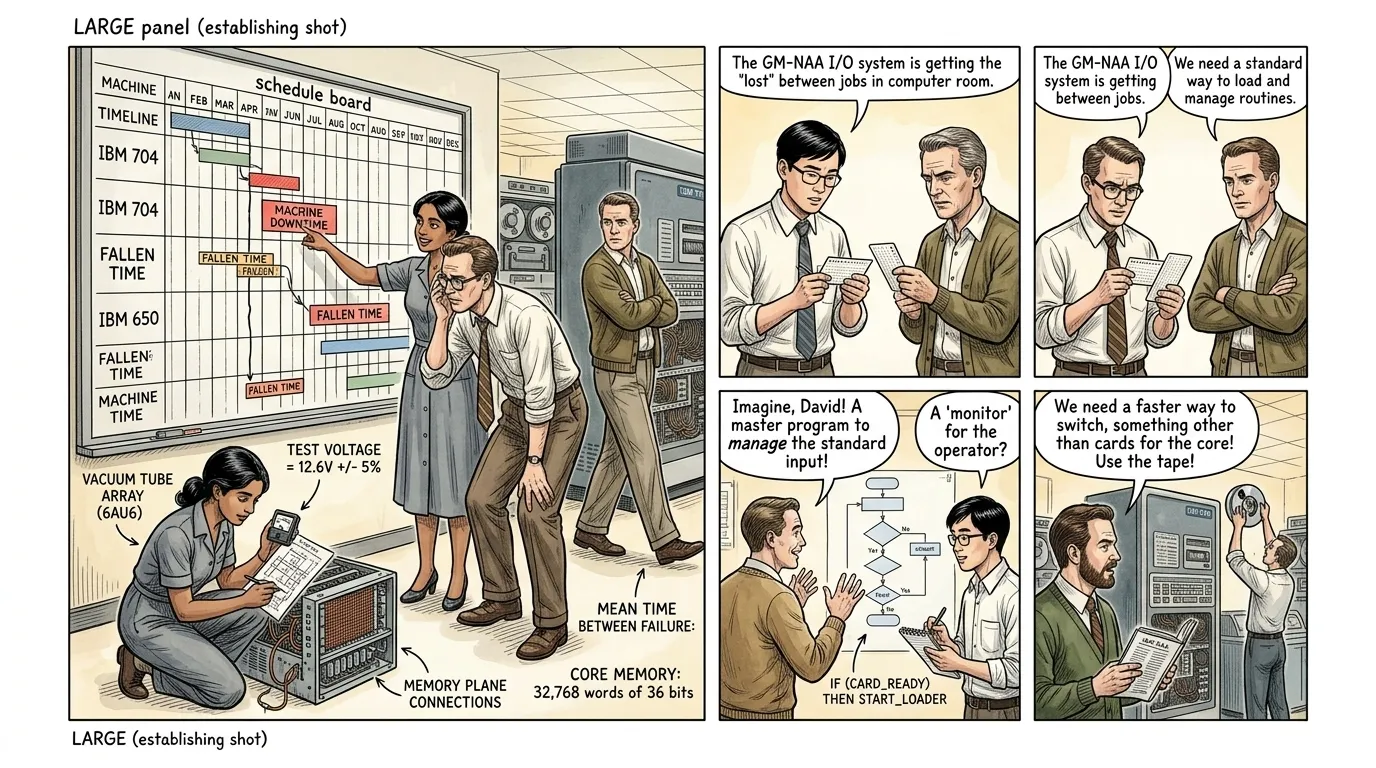
The laborious process of preparing a computer for each new task was a profound technical and economic drain. Every program, whether a complex scientific calculation or a simple data sort, demanded a complete manual re-initialization of the machine. This meant loading the correct compilers, configuring input/output devices, and setting up memory partitions—all before the actual computation could begin. This 'setup time' meant that these incredibly expensive machines often sat idle, awaiting human intervention, their immense processing power temporarily dormant.
""Look at this," Technician Anya Sharma, a woman in her late 20s with dark, pulled-back hair and a focused expression, wearing a practical grey work dress, said, pointing to a large schedule board detailing machine usage. "Job A finishes, then we have a 15-minute gap for re-calibration, then Job B, another 10-minute gap. It's like operating a factory where the assembly line stops completely between every single item."
Engineer Davis, adjusting his glasses, shook his head. "Precisely. We're losing hours of valuable computation every day. This 'dead time' between processes is astronomical. The machine is waiting for us, and we are its bottleneck."
"It's simply unacceptable for such a powerful tool," Thompson added, pacing slowly. "We need a system that can manage these transitions automatically, queuing jobs, and reducing this costly downtime.""
Page 3
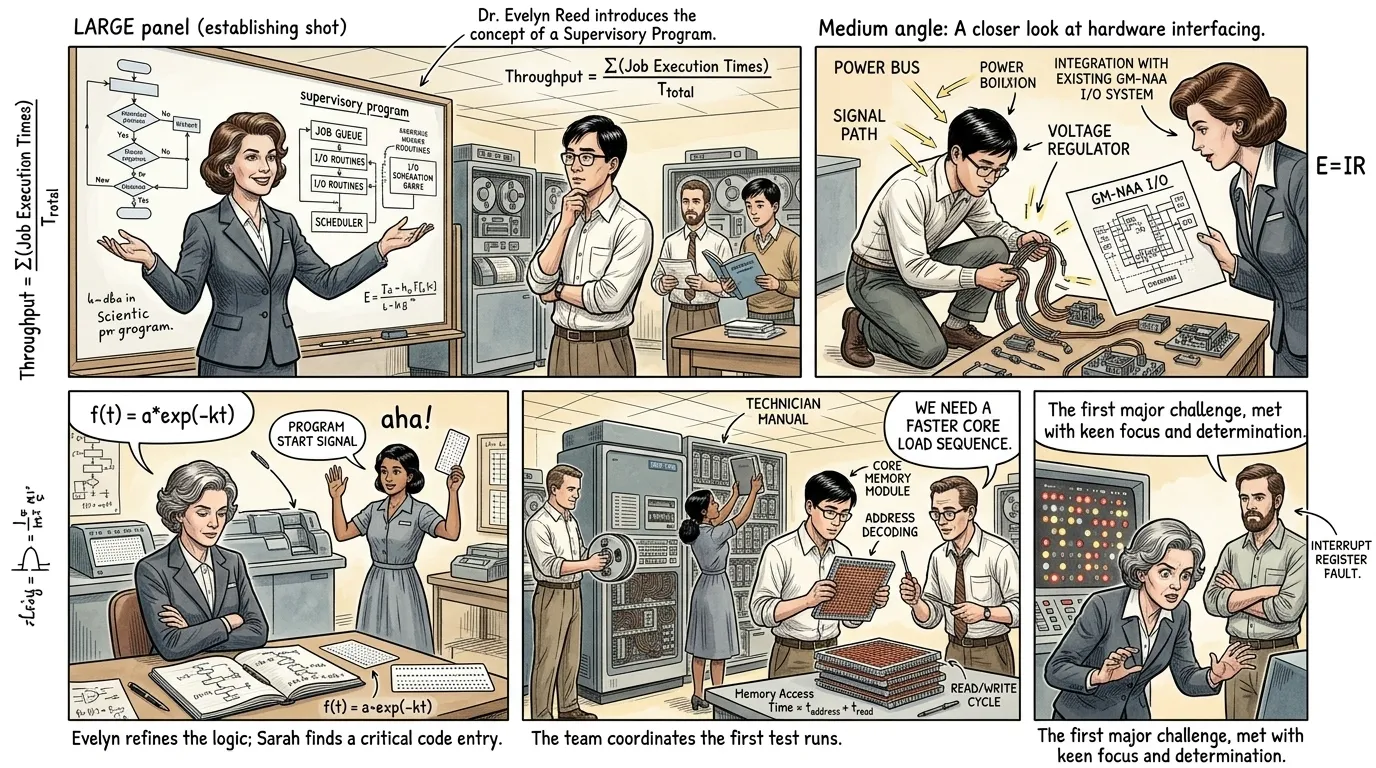
The stark reality of inefficient machine utilization spurred a radical vision among computing pioneers. What if the machine itself could manage its own processes? The idea was to create a 'master program' that would reside in the computer's memory, orchestrating the execution of other programs, handling resource allocation, and minimizing human intervention. This concept of a 'supervisor' or 'monitor' program was the intellectual precursor to the operating system, promising to transform chaotic manual operations into a streamlined, automated workflow.
""We need a supervisory program, a traffic controller for the machine's internal operations," proposed Dr. Evelyn Reed, a brilliant computer scientist in her late 30s with neatly coiffed brown hair, wearing a sophisticated 1950s business suit. She gestured at a complex schematic on a whiteboard. "Imagine a resident program that receives jobs, loads them, executes them, and then prepares the machine for the next—all without a single human touch between tasks."
Engineer David Kim, a young, earnest programmer in his late 20s with short black hair and glasses, wearing a crisp white shirt, looked thoughtful. "A program to manage other programs. It sounds like giving the machine a brain to manage its own affairs. The sheer complexity of that... memory protection, I/O handling, error recovery..."
Dr. Reed smiled. "Precisely. As Leonardo da Vinci once observed, 'Simplicity is the ultimate sophistication.' Our challenge isn't just to automate, but to design this system with an underlying elegance that can handle the machine's inherent complexity. It must appear simple to the programmer, even if its inner workings are intricate.""
Page 4
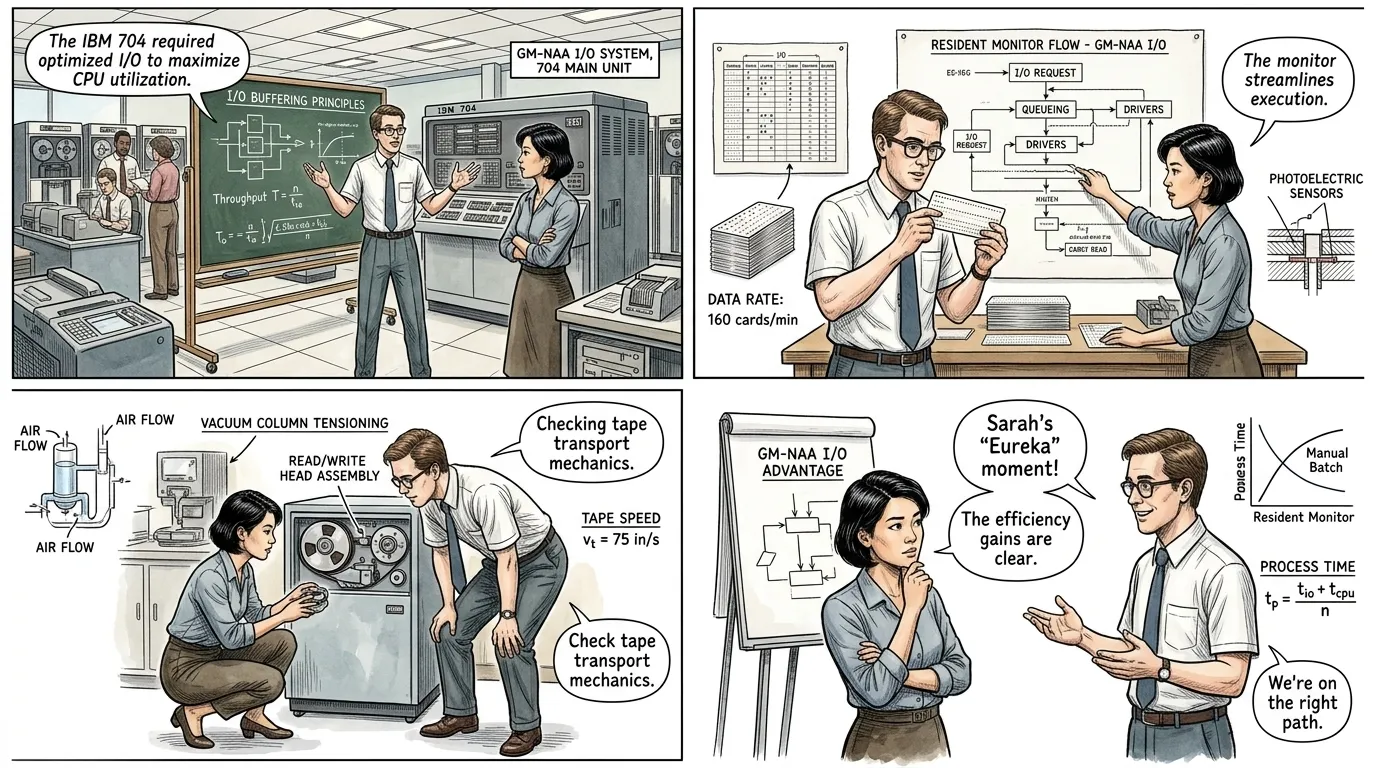
The theoretical ideas began to coalesce into practical solutions. One of the earliest and most influential implementations of a monitor system was the GM-NAA I/O system, developed by Robert Patrick at General Motors and North American Aviation for the IBM 704 in 1956. This pioneering system took the crucial step of replacing manual setup with automated job sequencing. It was a foundational leap, transforming the operation of costly mainframes from a hand-fed process to a more continuous, batch-oriented workflow.
""The GM-NAA I/O system truly revolutionized our operations on the IBM 704," Robert Patrick, a focused engineer in his late 30s with short, practical brown hair and glasses, wearing a tucked-in short-sleeved shirt and tie, explained to a visiting colleague in a bustling lab. "Our objective was simple: eliminate the manual intervention between batch jobs. Before, we wasted minutes between each program."
His colleague, Engineer Sarah Chen, in her early 30s with short black hair and wearing a sensible blouse, pointed to a diagram showing a 'Resident Monitor'. "So, this 'monitor' stays in memory. It reads job control cards, loads the user program, and then returns control when the job is done?"
"Precisely," Patrick affirmed. "It's a continuous loop. The monitor itself is a program, but its job is to manage the execution of other programs. This dramatically reduces our idle time and increases throughput. No more fumbling with tapes or switches between every run.""
Page 5
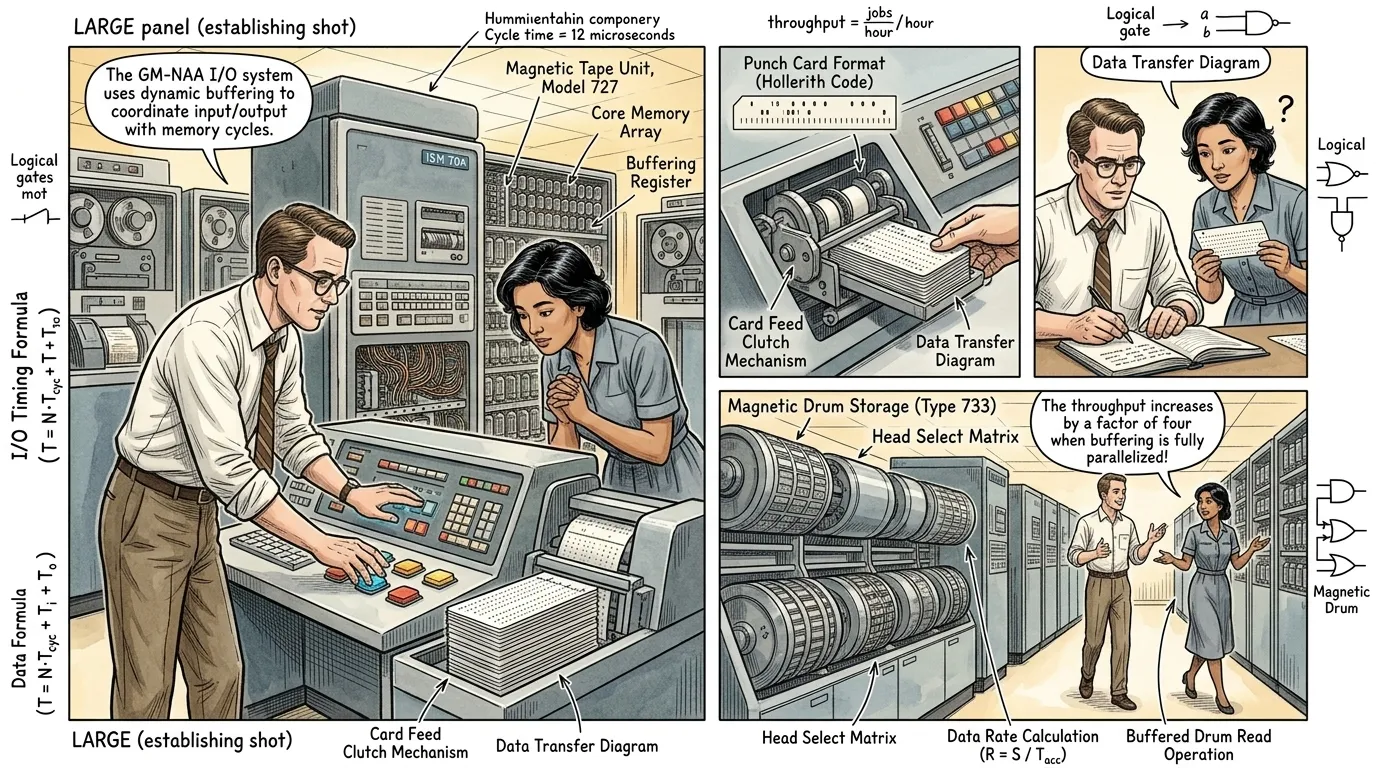
The GM-NAA I/O system operated on a simple yet profound principle: batch processing. Instead of loading one program at a time, operators would bundle multiple jobs, each preceded by special control cards, into a single 'batch'. The resident monitor program would then read these control cards sequentially, automatically loading the correct user program, executing it, and then cleaning up before moving to the next job in the batch. This automated sequencing was a monumental step, as it kept the CPU continuously engaged, minimizing the costly waiting periods that had plagued early computing.
""Here's how it works," Patrick explained, demonstrating at a control console. "We prepare a batch of programs, each clearly delineated by these specialized control cards. The monitor program itself is tiny, but powerful. It's always running in a small part of the machine's memory."
Chen observed as a stack of punch cards was fed into a reader. "So, the monitor reads a card, identifies the program, allocates resources, and then passes control to the user program?"
"Exactly," Patrick confirmed. "Once the user program completes its task, it executes a specific instruction that hands control back to our monitor. The monitor then checks for the next job card, loads the next program, and the cycle continues. This automated handoff is the key to minimizing idle time. We've turned a sequence of manual stops into a flowing, continuous stream of computation.""
Page 6
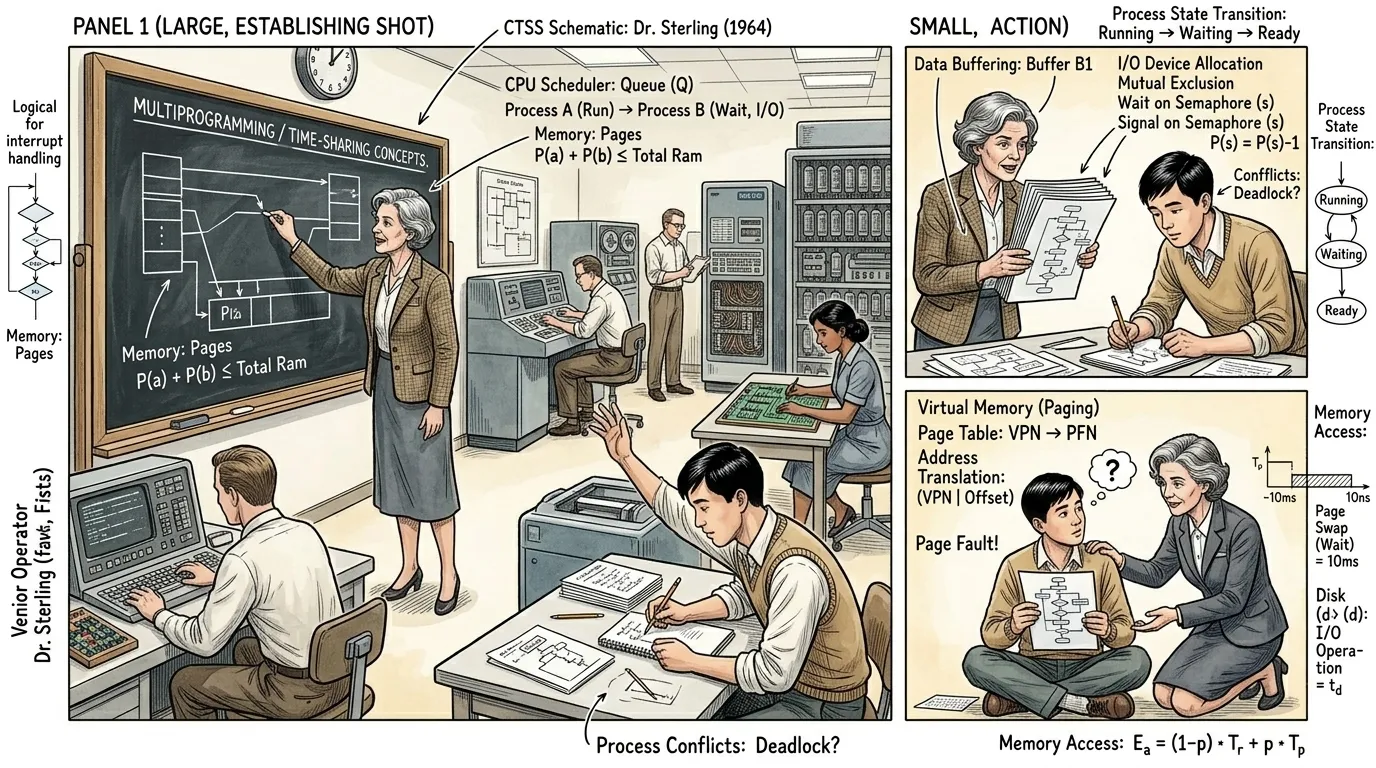
While batch processing significantly improved efficiency, the computer still executed only one program at a time. The next logical leap was multiprogramming: allowing multiple programs to reside in memory simultaneously, with the CPU rapidly switching between them. This, combined with time-sharing, which extended multiprogramming to allow multiple users to interact with the computer concurrently, dramatically transformed computing from a singular, batch-oriented task to a powerful, interactive utility. Early efforts like MIT's CTSS (Compatible Time-Sharing System) in 1961 were pivotal, demonstrating that a single machine could serve many users effectively.
""The true challenge was maximizing CPU utilization beyond simple batching," Dr. Alice Sterling, a visionary computer scientist in her 40s with short, curly grey hair and sharp, intelligent eyes, wearing a tweed jacket, explained to her team at MIT. "Why should the CPU sit idle waiting for an I/O operation to complete for one program when it could be working on another?"
Young Programmer Michael Chen, in his early 20s with a neat haircut and a eager expression, wearing a college sweater, leaned forward. "So, we load multiple programs into memory at once, and the OS rapidly switches the CPU between them? But what about memory conflicts? And how do we ensure fairness among programs?"
Dr. Sterling nodded. "Excellent questions. This requires sophisticated memory management and CPU scheduling. The OS becomes a referee, arbitrating resources, giving each program its fair share of processor time. It's the kernel's core responsibility—a critical abstraction layer that shields programs from each other and from the hardware complexities.""
Page 7
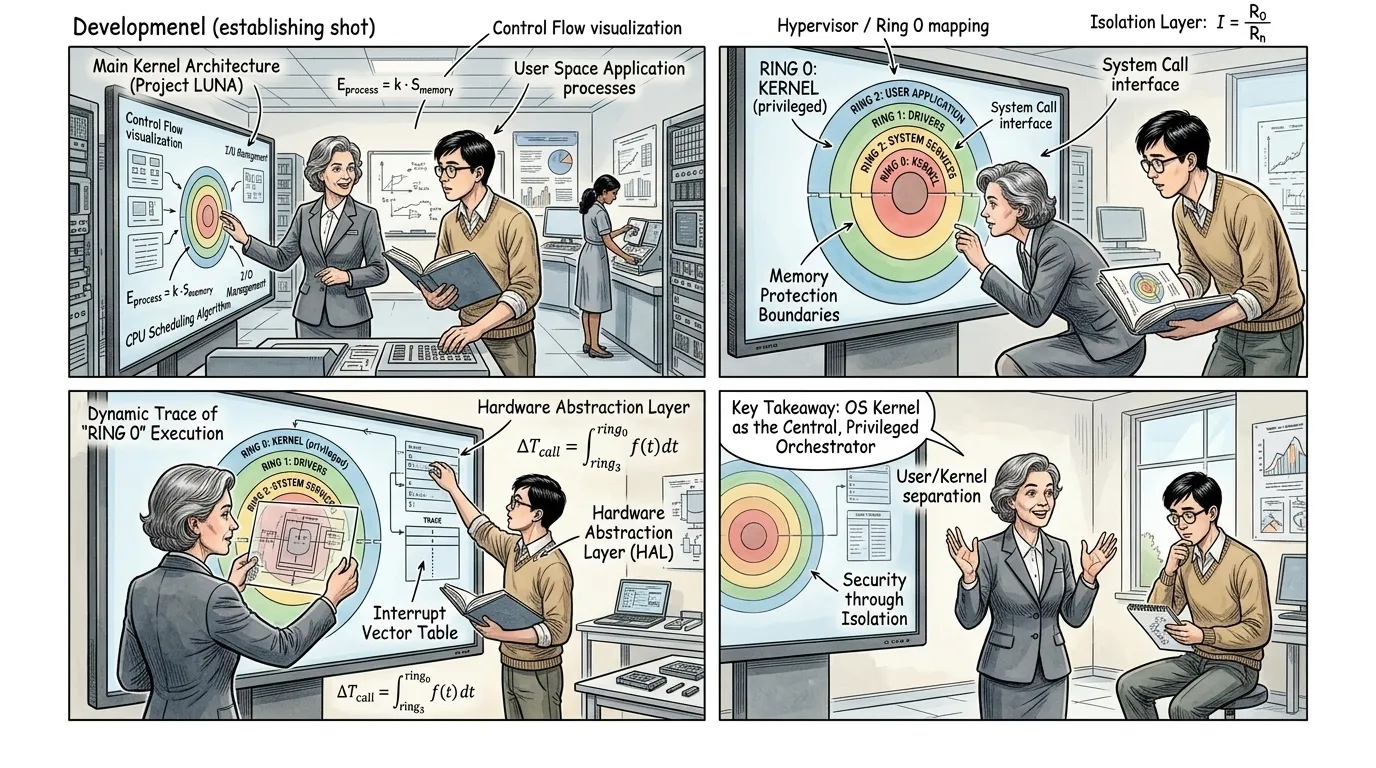
At the heart of every operating system lies the kernel, its fundamental component. The kernel manages the computer's most critical resources: the CPU, memory, and input/output devices. It acts as an intermediary layer, abstracting the complex hardware details from application programs, providing a consistent and secure environment. Key mechanisms include CPU scheduling, which determines which program gets to use the processor and for how long; memory management, allocating and protecting memory segments for each program; and I/O management, controlling communication with peripherals like keyboards, displays, and storage.
""The kernel is the brain of the operation, the first program loaded and the last to leave memory," Lead Architect Dr. Lena Petrova, a woman in her late 40s with salt-and-pepper hair pulled back, wearing a professional, somewhat severe suit, explained to a new engineering hire. "It handles everything from process scheduling—deciding whose turn it is on the CPU—to managing every byte of memory and every peripheral device."
The new engineer, Alex Johnson, in his early 20s, eager and attentive, holding a thick manual, replied, "So, when a program requests a file, it's the kernel that translates that request into actual disk operations, right? And it also prevents one program from overwriting another's memory?"
"Precisely, Alex," Dr. Petrova confirmed, pointing to a diagram showing concentric rings. "The kernel operates in a privileged 'ring 0', giving it absolute control, while applications run in 'ring 3'. This protection mechanism is fundamental. It means a faulty application can't crash the entire system. This abstraction layer is what makes modern computing stable and efficient.""
Page 8
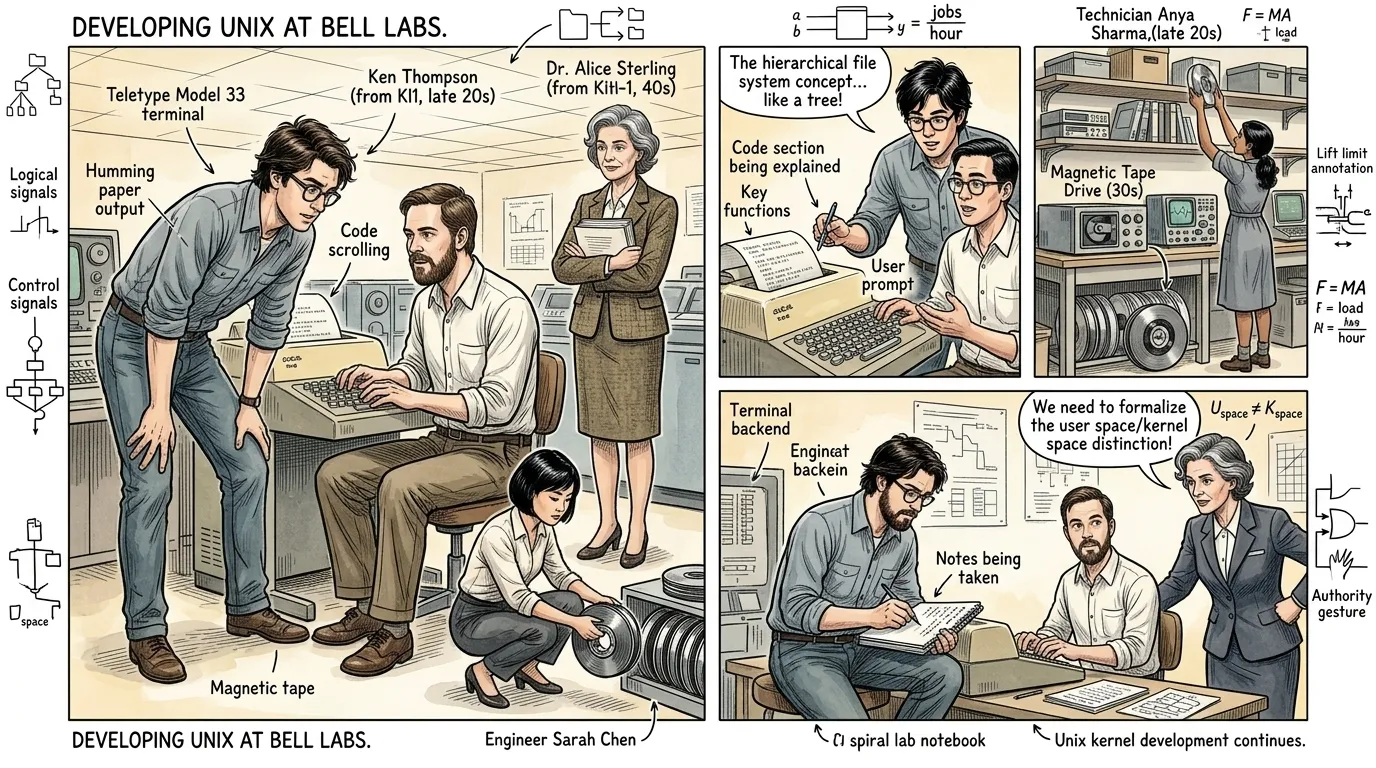
By the late 1960s, the evolution of operating systems reached a pivotal moment with the creation of Unix at Bell Labs. Developed primarily by Ken Thompson and Dennis Ritchie, Unix was designed to be a simpler, more elegant, and crucially, a more portable operating system than its predecessors. Its innovative design, particularly its focus on a command-line interface, a hierarchical file system, and the powerful concept of pipes for inter-process communication, made it incredibly flexible and adaptable. Unix's efficiency and clear architecture directly addressed and resolved the 'idle time' and inefficiency problems identified in earlier computing, enabling unprecedented resource utilization.
""We wanted something simple, elegant, and portable," Ken Thompson, a focused engineer in his late 20s with dark, tousled hair and glasses, wearing a casual button-up shirt, explained to Dennis Ritchie. They were hunched over a teletype terminal, its paper output scrolling with code. "Multics was too ambitious, too complex. We needed a system where the operating system itself was a collection of small, focused tools."
Dennis Ritchie, with his characteristic beard and a thoughtful expression, in his late 20s, wearing a simple shirt, typed a command. "And that's where the file system and pipes truly shine. Connecting programs like plumbing—the output of one becoming the input of another. It creates immense power from simplicity."
"Exactly," Thompson affirmed, eyes fixed on the screen. "By designing a robust kernel and a set of utilities that could be easily combined, we unlocked a new level of productivity. No more wasted cycles due to complex setup; Unix effectively optimizes the machine's time, managing processes seamlessly and allowing developers to build complex systems from simple components.""
Page 9
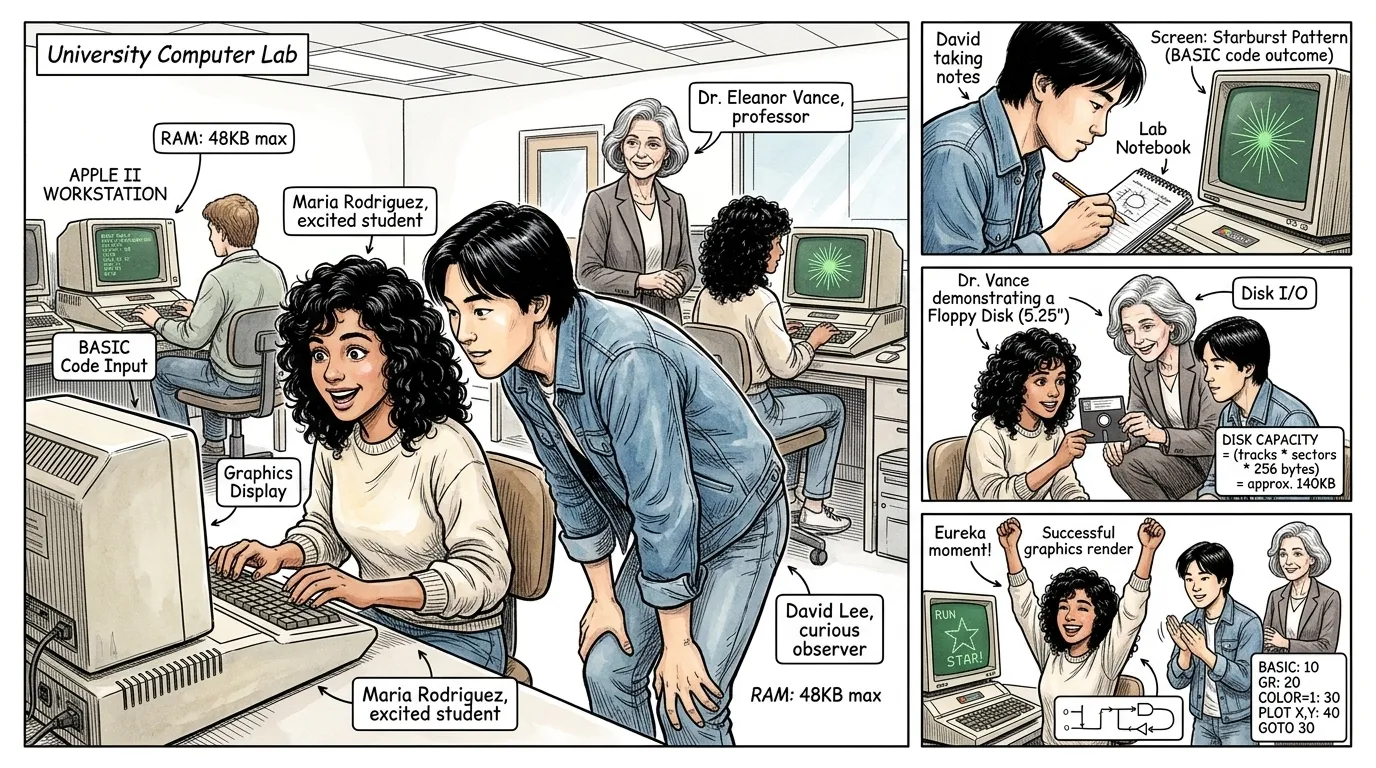
The principles established by pioneering operating systems like Unix profoundly influenced the next generation of computing. As microprocessors emerged, allowing for smaller, more affordable computers, the need for robust and user-friendly operating systems became paramount. Systems like CP/M, MS-DOS, and later Apple DOS and the Macintosh Operating System brought sophisticated resource management and user interaction to the personal computer. This shift democratized access to computing power, moving it from specialized labs and corporate data centers into homes, offices, and universities worldwide.
""This is incredible! I can actually type commands directly and see immediate results," exclaimed a young student, Maria Rodriguez, in her early 20s with curly black hair, wearing a casual 1980s sweater, as she sat at an early Apple II computer in a university lab. "It's not like the batch jobs our professors describe. I feel like I'm talking to the computer."
Her classmate, David Lee, in his early 20s with straight black hair and a thoughtful expression, wearing a denim jacket, leaned over. "That's the power of the operating system, Maria. It manages everything underneath, so we just focus on our programs. MS-DOS on the IBM PC, or the graphical interface on the Macintosh, makes it even easier. It's making computing accessible to everyone, not just specialists."
"Indeed," their professor, Dr. Eleanor Vance, in her 50s with elegant grey hair and a knowing smile, wearing a blazer, remarked. "The OS provides an intuitive layer between us and the hardware. It transformed a tool for experts into a utility for the masses. This isn't just about faster calculations; it's about empowering individuals.""
Page 10
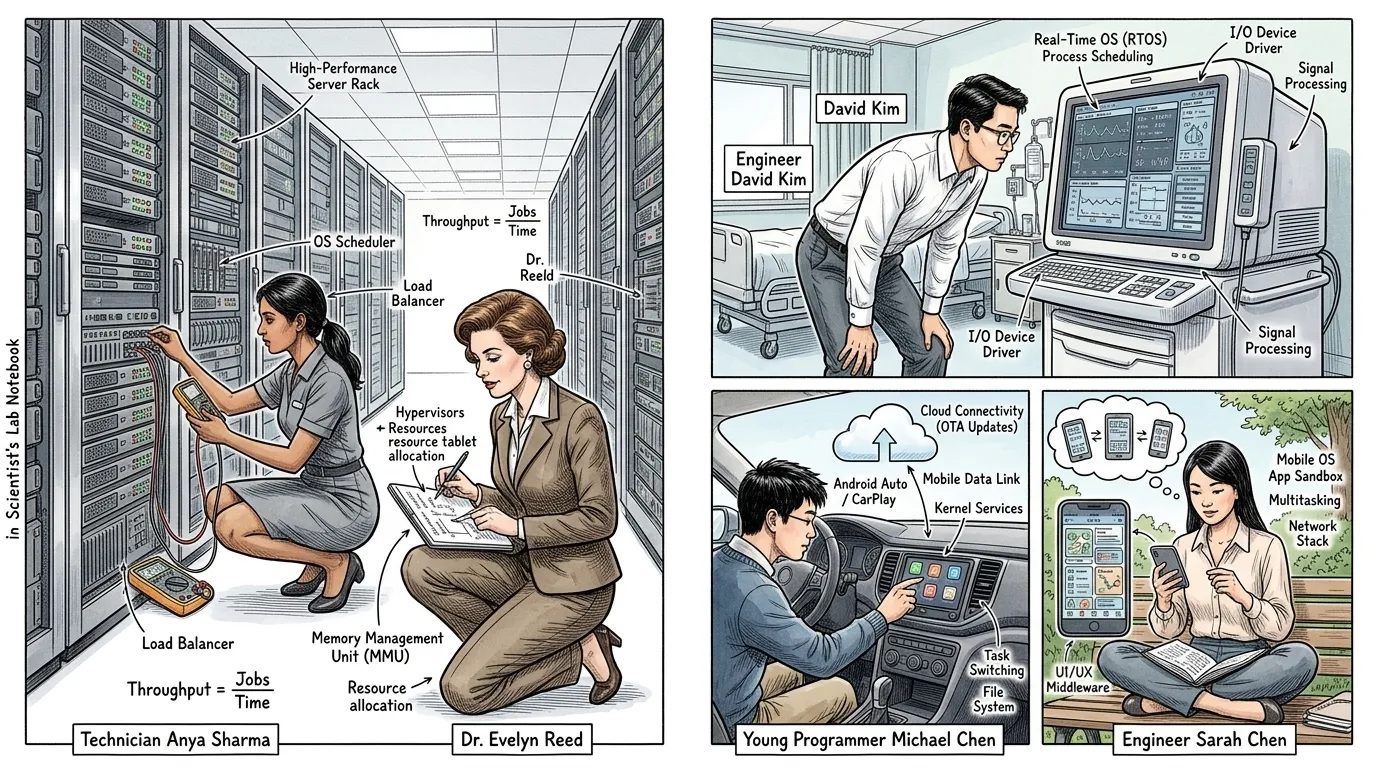
Today, operating systems are the invisible architects of our digital world, an indispensable layer underpinning nearly every piece of technology we interact with. From the powerful servers driving global networks to the smartphones in our pockets, from embedded systems in cars and medical devices to the complex infrastructure of cloud computing, operating systems manage, allocate, and protect the vast array of computational resources. They are the silent, constant orchestrators, ensuring efficiency, stability, and security, a legacy of the visionary engineers who sought to turn chaotic hardware into organized, intelligent systems.
"The narrative is primarily visual, with short, integrated labels on the montage scenes."
About this story
- Location: Global
- Audience: general readers
Questions and answers
Read Wonder Inventions on your phone
Wonder Inventions is available on Android. Get Wonder Inventions on Google Play.